



HealthMedx
Competencies
Experience Audit
User Research
Interaction Design
Design Library
Interface Design
Wireframing
Stakeholder Interviews
Partnership Context
How user-focused design helped a healthcare software provider leapfrog the competition
HealthMEDX is a point-of-care documentation platform built to help care providers record critical patient data—from ADLs (Activities of Daily Living) and vital signs to medical history—in real time. These recordings serve a dual purpose: improving the quality of care and enabling insurance reimbursement. With reimbursements calculated on a per-recording basis—and influenced by both quantity and timing—every delay or missed entry had a direct impact on revenue.
In a crowded market, providers have options. HealthMEDX found itself under pressure after a major competitor launched a new web-based platform that promised faster workflows and more modern usability. As competitors gained traction, HealthMEDX faced a clear challenge: improve the product experience or risk falling behind.
Flying Circle was brought in to rethink the interface, streamline workflows, and reduce friction between care and documentation—bridging the gap between provider needs and business performance.
In a crowded market, providers have options. HealthMEDX found itself under pressure after a major competitor launched a new web-based platform that promised faster workflows and more modern usability. As competitors gained traction, HealthMEDX faced a clear challenge: improve the product experience or risk falling behind.
Flying Circle was brought in to rethink the interface, streamline workflows, and reduce friction between care and documentation—bridging the gap between provider needs and business performance.
Project Objective
Elevate the Product. Strengthen the Business. Compete with Confidence.
HealthMEDX set out to improve both product performance and business outcomes in a highly competitive market. Our objective was two-fold: First, to close the growing gap between care delivery and digital documentation—an issue that directly impacted reimbursement rates. Second, to enhance product performance in real-world care settings, particularly on mobile devices where inconsistent connectivity and limited coverage had led many facilities to adopt inefficient “store and forward” workflows. By addressing these challenges, our goal was to position HealthMEDX as the faster, more responsive solution.
Challenge 1
Inefficient mobile hardware experience
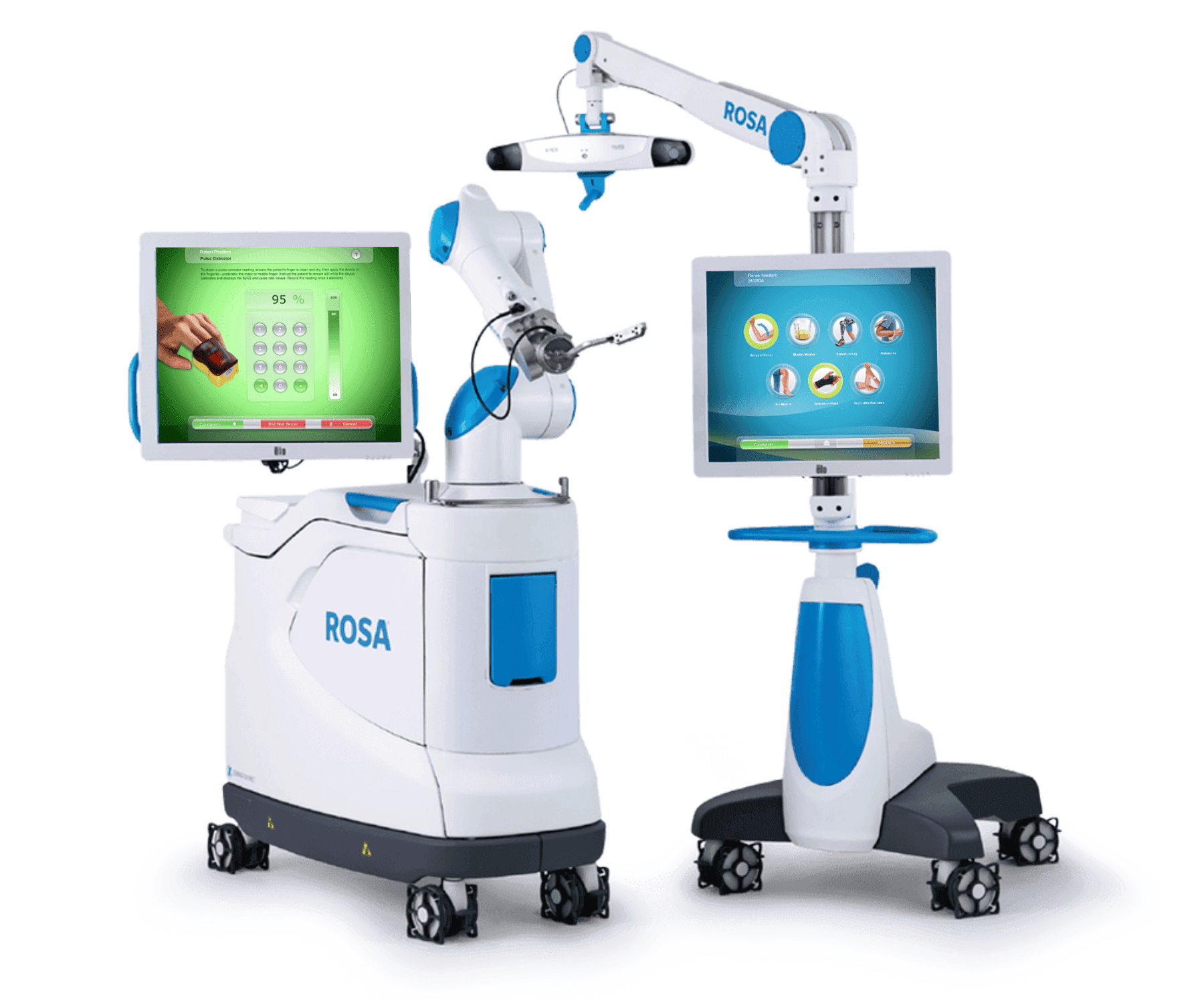
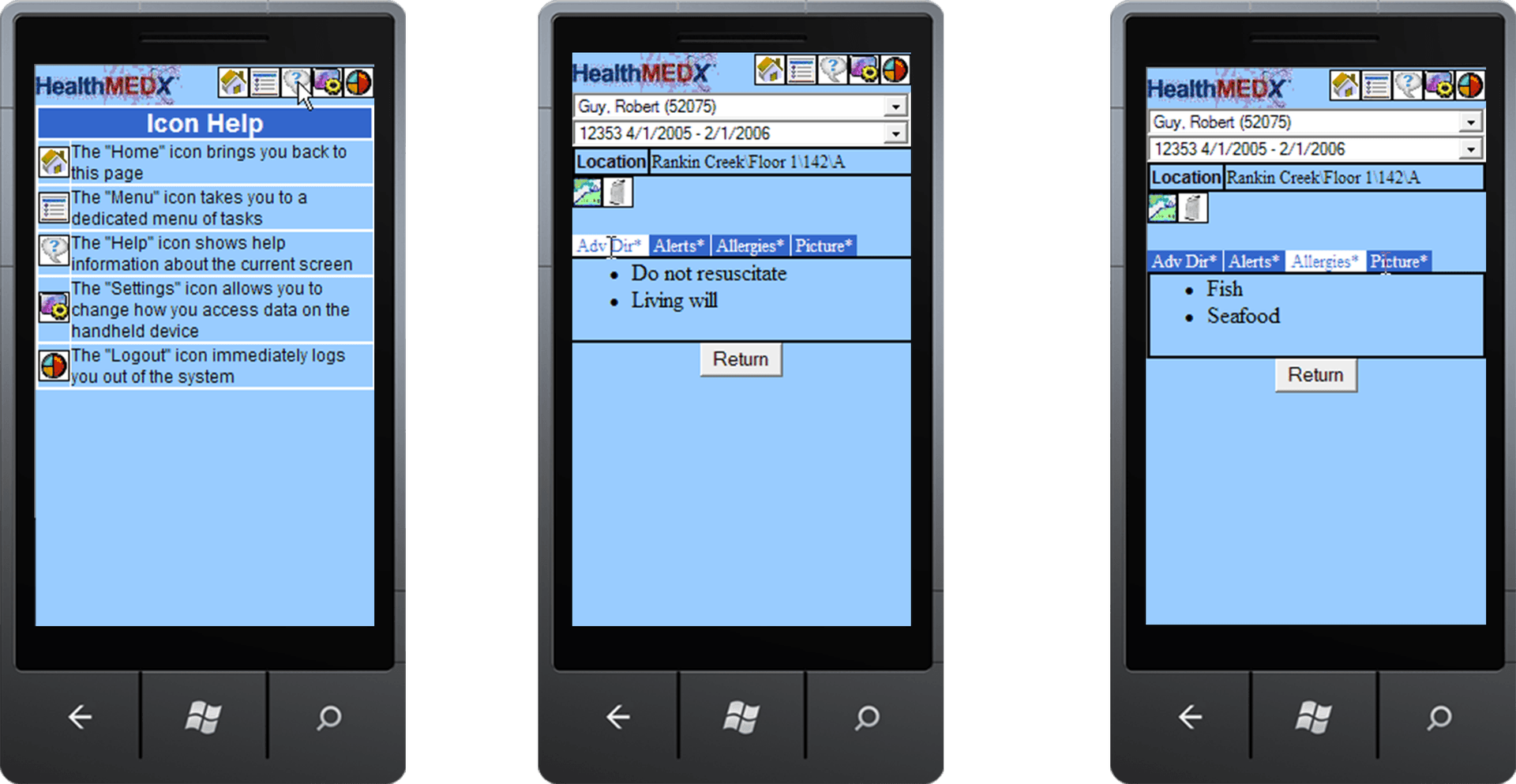
HealthMEDX had previously relied on stylus-based mobile hardware with limited UI. Long scrolling and a clunky interface significantly impacted the user experience. Devices and their components were also frequently misplaced, compounding the problem. Web connectivity for the devices also negatively impacted the timing of recordings resulting in lower reimbursement numbers. Hardware also increased the amount of time it took to train new users to use all of the features of the product.
Solution to Hardware Inhibitions
Touchscreen Interfaces. Strategically Placed.
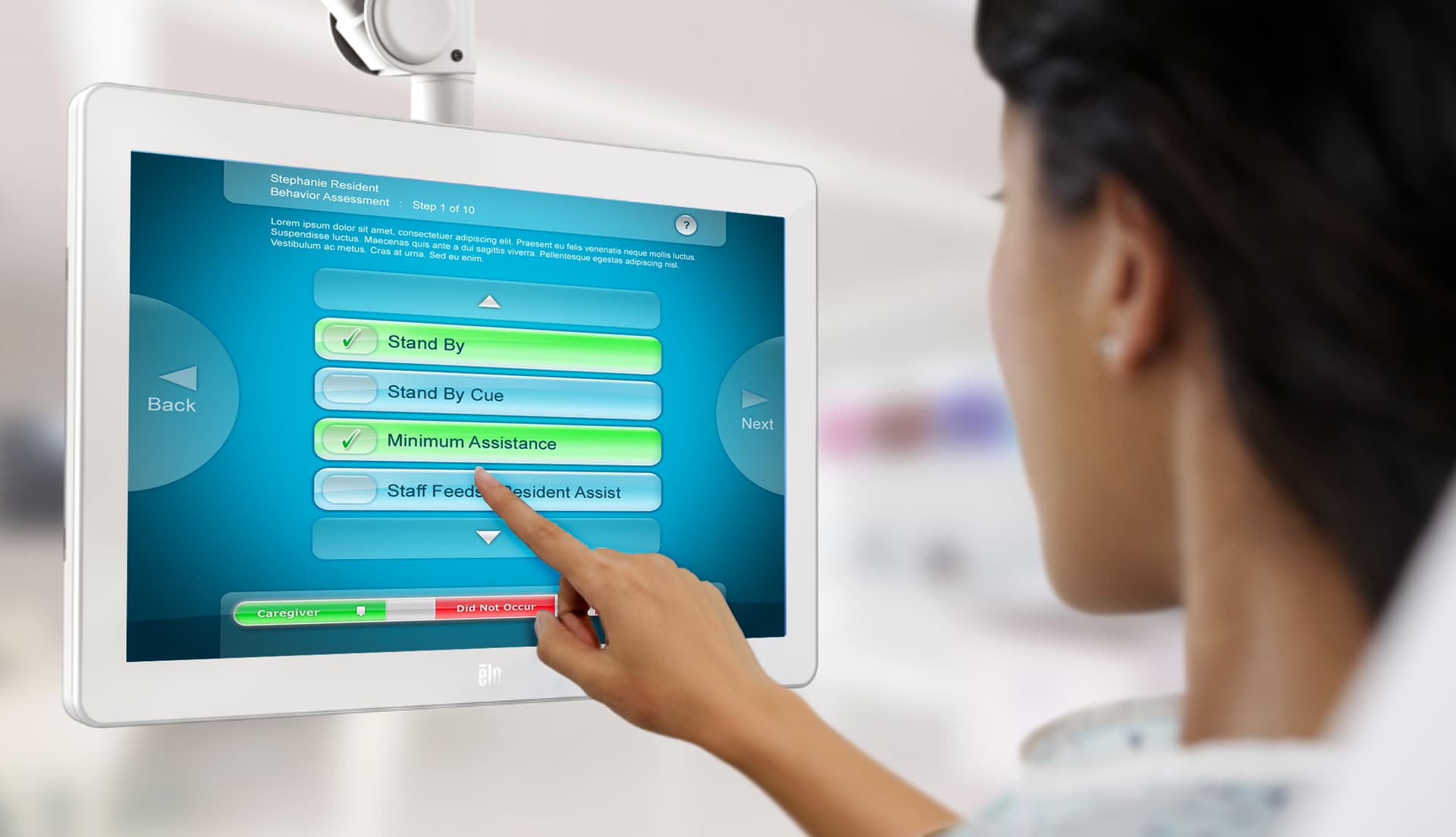
Shifting to a touchscreen-based interface opened the door to larger tablet hardware—giving providers more screen real estate, clearer interactions, and improved usability across roles. The change didn’t just enhance the experience at the point of care—it gave administrators a new way to improve reliability.
By permanently installing tablets in high-traffic areas, facilities eliminated the risk of misplaced devices and ensured staff could always access the system when and where they needed it most.
By permanently installing tablets in high-traffic areas, facilities eliminated the risk of misplaced devices and ensured staff could always access the system when and where they needed it most.
Outcome of Touchscreen Solution
Dramatic Reduction in Recording Time—and Training Time
What once required nearly two weeks of training was reduced to just four hours. By moving to a strategically placed touchscreen interface, HealthMEDX simplified the documentation process for care providers—making it faster to learn and easier to use.
Staff no longer needed to track down devices or navigate unfamiliar hardware. Tablets were always within reach, and the interface was intuitive enough that providers knew exactly where to go and what to do. The result: higher recording rates, shorter training cycles, and a faster path from care to capture.
Staff no longer needed to track down devices or navigate unfamiliar hardware. Tablets were always within reach, and the interface was intuitive enough that providers knew exactly where to go and what to do. The result: higher recording rates, shorter training cycles, and a faster path from care to capture.
Challenge 2
Confusing Workflows and Ambiguous Recording Types Impacted Trust
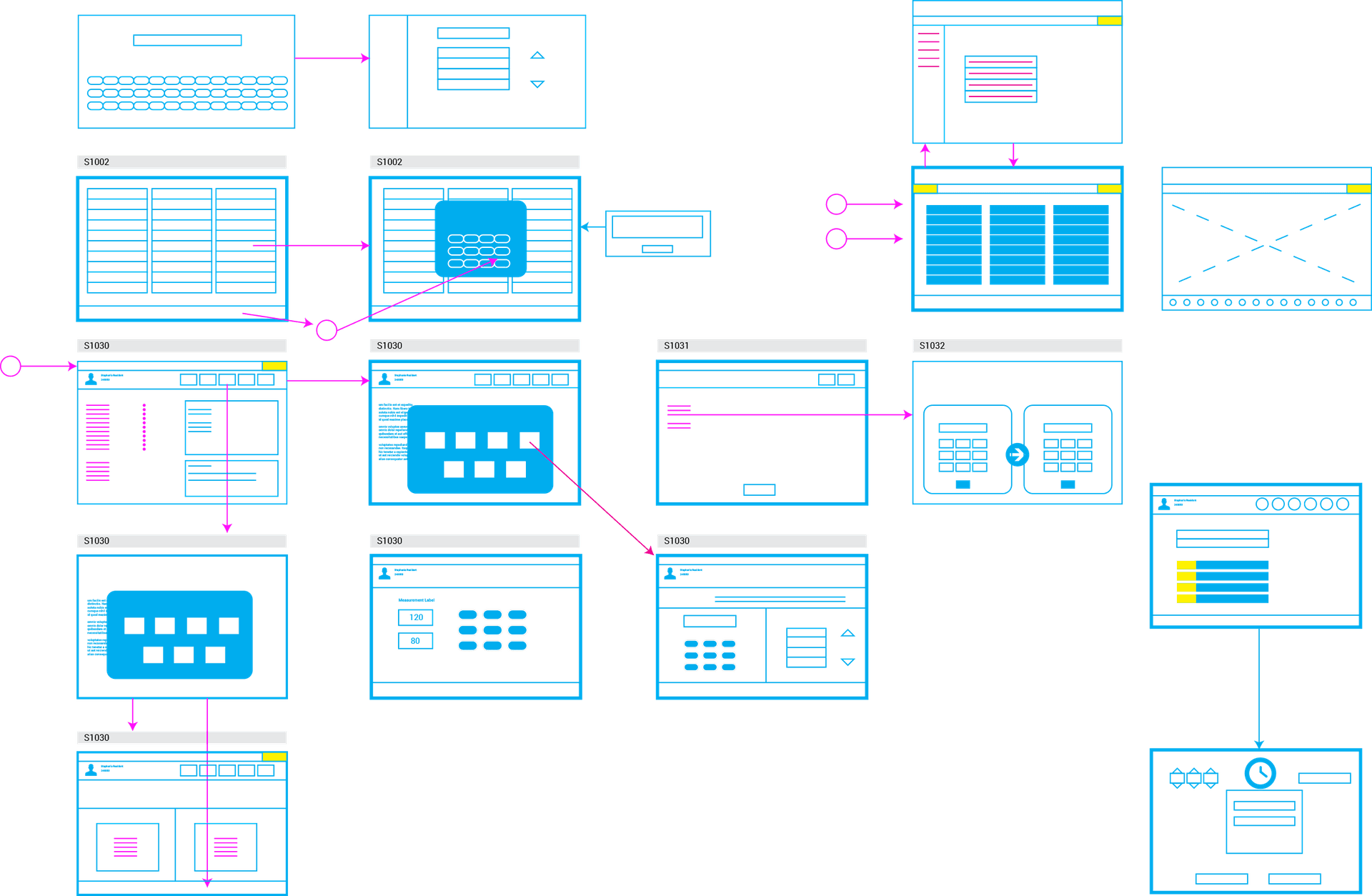
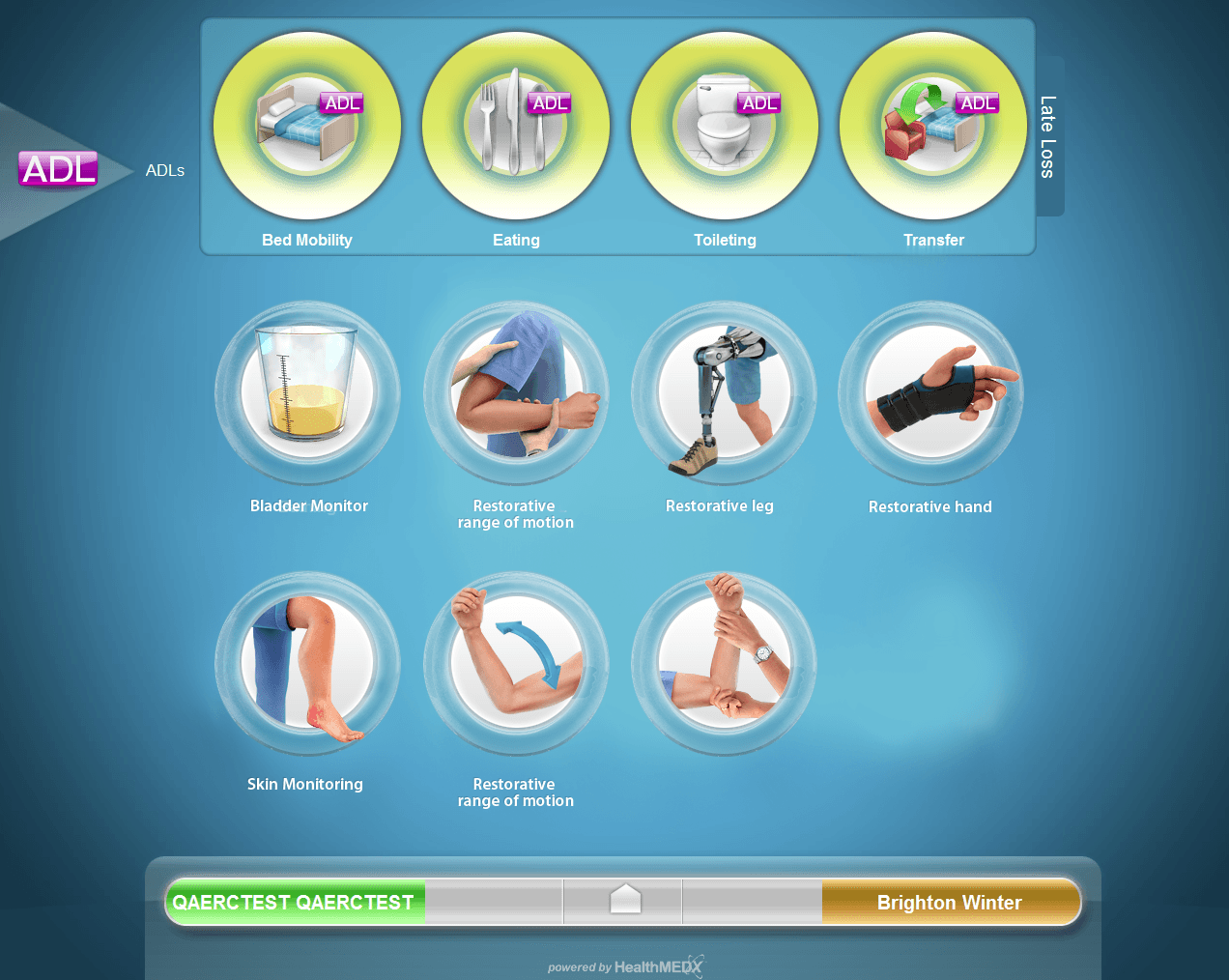
Providers struggled to locate the correct recording type within the app—and many didn’t trust the system to capture data accurately. The interface relied heavily on dense, text-based descriptions and poorly differentiated icons, making it difficult to distinguish one recording from another at a glance.
User testing confirmed what customers had long reported: icons were visually similar, often unreadable, and easily confused. As a result, providers frequently selected the wrong entry—or slowed down to avoid making mistakes. This challenge was especially acute for multilingual staff and non-native English speakers, who found the workflow frustrating, unclear, and unreliable in fast-paced care environments.
User testing confirmed what customers had long reported: icons were visually similar, often unreadable, and easily confused. As a result, providers frequently selected the wrong entry—or slowed down to avoid making mistakes. This challenge was especially acute for multilingual staff and non-native English speakers, who found the workflow frustrating, unclear, and unreliable in fast-paced care environments.
Solution to Workflow Confusion
Icons That Move at the Speed of Care
In a care setting where every second matters, reading through lengthy ADL recording instructions was slowing staff down. We replaced that friction—using intuitive icons to cut assessment time dramatically. With a single glance, nurses know exactly what they’re recording, allowing them to focus on the patient—not the interface.
Outcome: New Icon Language
Designing for Everyone, in Every Language
When English is a second language, paragraphs of clinical instructions can become a barrier to accuracy. Our iconography system removed that barrier. The icons we designed for HealthMEDX made it easy for any team member—regardless of language background—to immediately understand the task at hand. It’s visual communication built for clarity, speed, and inclusivity.
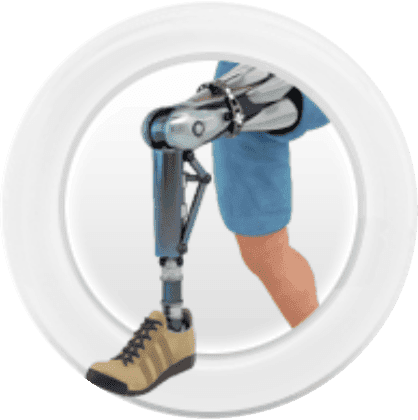
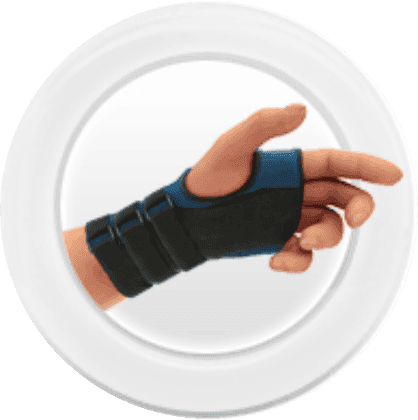
Through deep research into every ADL recording type, we designed high-fidelity icons that capture the unique details of each task. The result: visual cues that do more than decorate—they communicate, distinguish, and accelerate action.
Scalable by Design
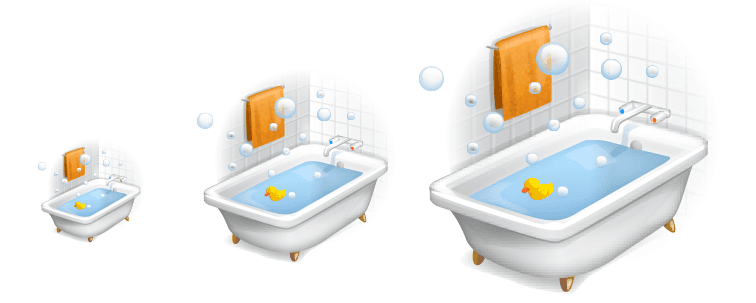
Each illustration is rendered in vector format to ensure pixel-perfect clarity across every device and resolution. Whether scaled for mobile, tablet, or large-screen displays, the artwork remains sharp, consistent, and accessible—preserving visual integrity without compromise.
Optimized for Touch. Built for Compliance.
Icons were refined for ADA compliance, applying high-contrast color, simplified shapes, and clear affordances for touchscreen use. Designed for speed and clarity, each icon communicates its function instantly—supporting accessibility, reducing errors, and improving task flow in high-pressure care environments.

Bladder monitor

Restorative range of motion — arm
Restorative leg — left
Restorative hand
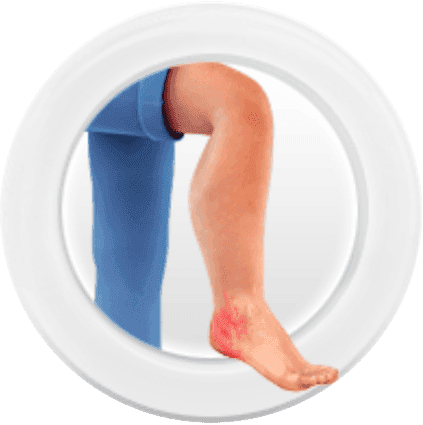
Skin monitoring
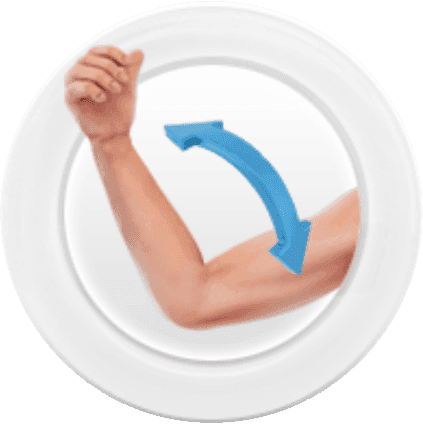
Restorative range of motion — shoulder
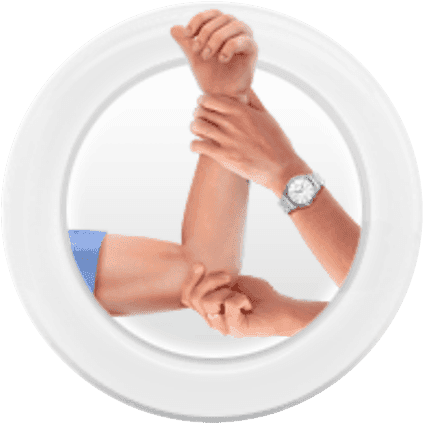
Restorative leg — right
Challenge 3
Low Recording Rates and Missed Reimbursements Due to Visibility Gaps
The previous system offered no way for providers to see which recordings were required—or which had been missed. With no prompts or visual indicators, staff had to rely on memory or paper-based notes to track what needed to be captured throughout the day.
The result was predictable: incomplete records, missed entries, and significant losses in insurance reimbursement. Over a 24-hour window, even a few missed recordings per patient added up—affecting both care compliance and the organization’s bottom line.
The result was predictable: incomplete records, missed entries, and significant losses in insurance reimbursement. Over a 24-hour window, even a few missed recordings per patient added up—affecting both care compliance and the organization’s bottom line.
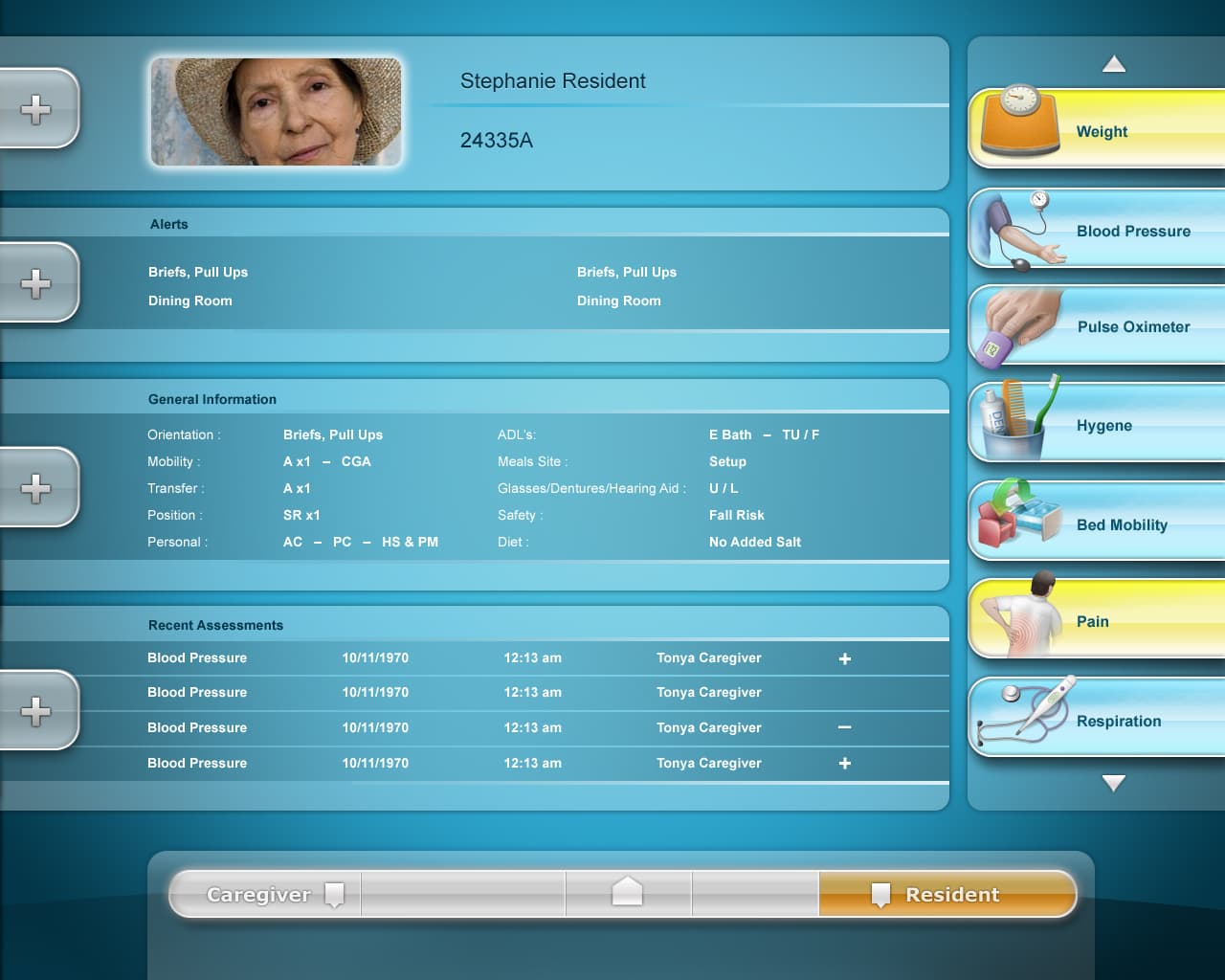
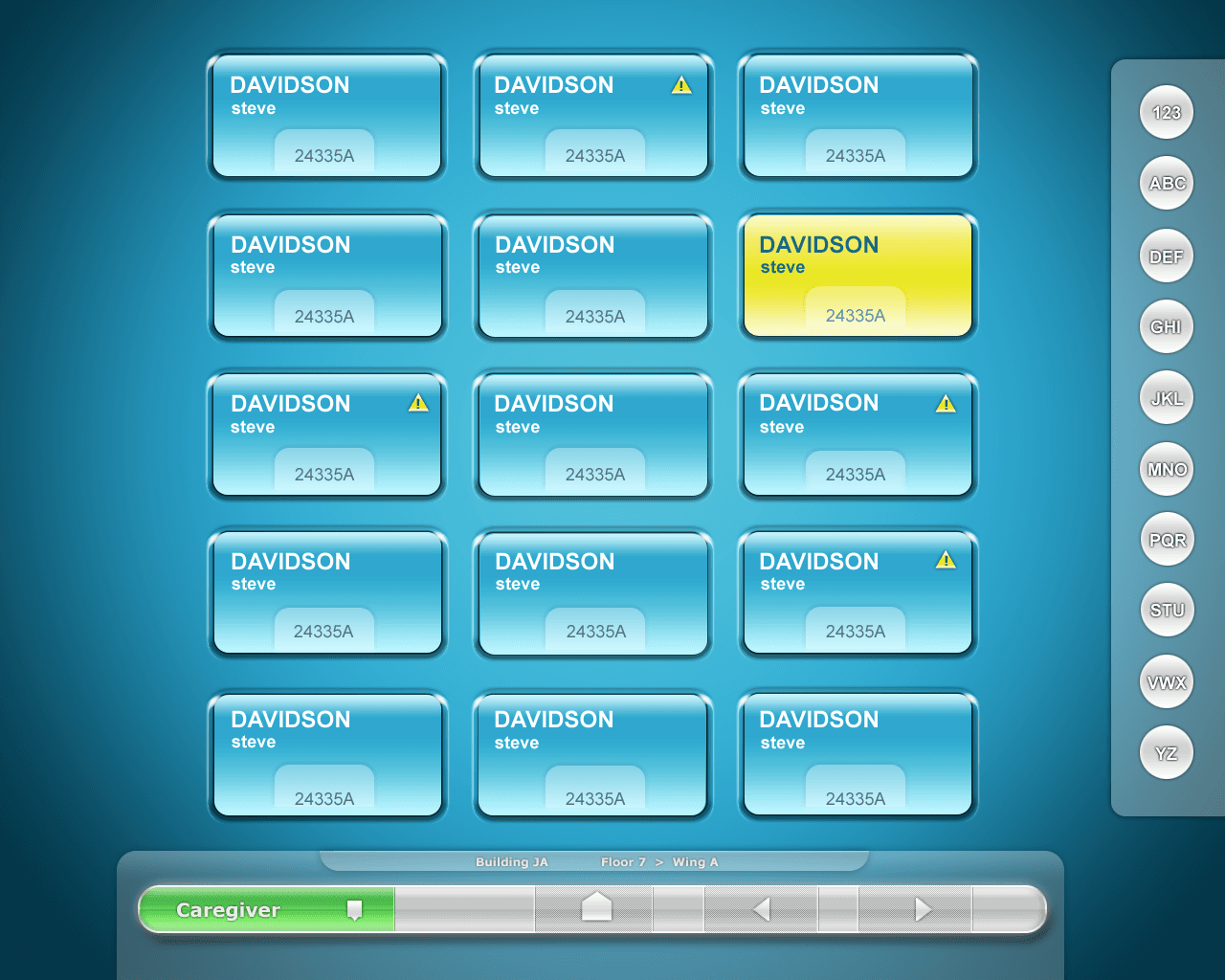
Solution to Low Recording Rates
Visual Status Indicators Made Missing Recordings a Thing of the Past
The updated interface introduced a simple, intuitive system to track patient documentation in real time. Using a red-light/green-light status model, providers could instantly see which recordings were complete, which were missing, and what still needed attention—no more relying on memory or hand-written to-do lists.
This not only reduced missed entries but also eased the mental load of care planning. With just a glance, staff could prioritize their next steps with confidence—improving documentation rates and reclaiming time for direct patient care.
This not only reduced missed entries but also eased the mental load of care planning. With just a glance, staff could prioritize their next steps with confidence—improving documentation rates and reclaiming time for direct patient care.
Outcome of 'Lights Out' User Interface
Higher Reimbursement. Happier Staff. A UX Win.
The visual highlight system delivered immediate results: recording rates went up, and with them, reimbursement revenue. But the impact went deeper than metrics.
Providers began referring to the interface as “going lights out”—a term that quickly became shorthand for completing a full set of recordings for each patient. What was once a checklist became a moment of accomplishment. The interface didn’t just guide action—it created a shared language, a gamified sense of progress, and a more enjoyable experience for care teams doing hard, essential work.
Providers began referring to the interface as “going lights out”—a term that quickly became shorthand for completing a full set of recordings for each patient. What was once a checklist became a moment of accomplishment. The interface didn’t just guide action—it created a shared language, a gamified sense of progress, and a more enjoyable experience for care teams doing hard, essential work.
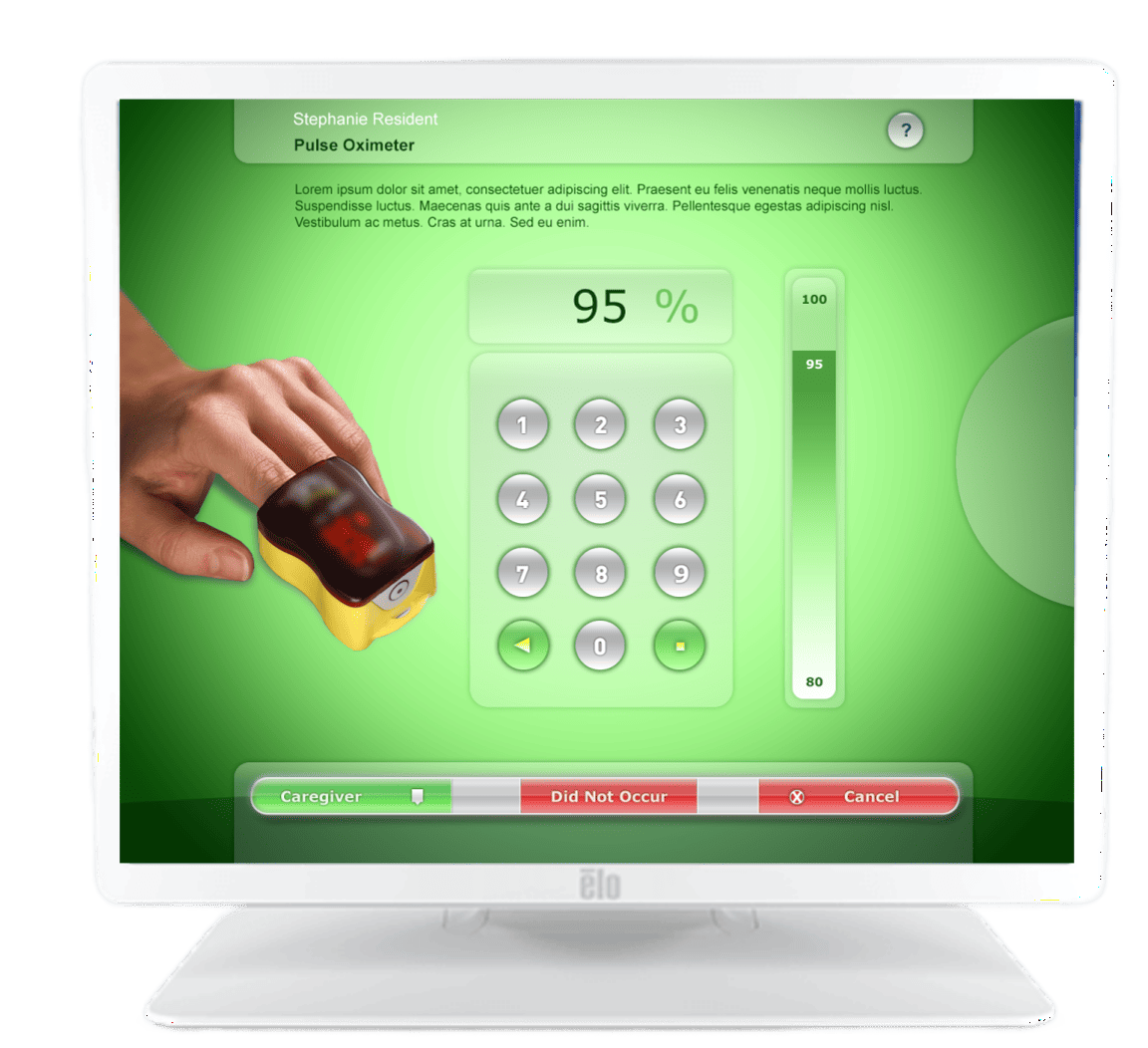
Overall Outcome
From Playing Catch-Up to Setting the Standard
With a redesigned interface, improved hardware strategy, and user-centered workflows, HealthMEDX transformed its product from a lagging solution into a market leader. What once felt outdated and clunky became a best-in-class experience trusted by providers and praised by administrators.
Not only did HealthMEDX close the competitive gap—they overtook it. The platform surpassed its main rival, CareTracker, and ultimately became the centerpiece of a successful acquisition by a larger healthcare organization.
This wasn’t just a product upgrade. It was a strategic repositioning—driven by design, backed by results.
Not only did HealthMEDX close the competitive gap—they overtook it. The platform surpassed its main rival, CareTracker, and ultimately became the centerpiece of a successful acquisition by a larger healthcare organization.
This wasn’t just a product upgrade. It was a strategic repositioning—driven by design, backed by results.
See the success of the Flying Circle approach







See the success of the Flying Circle
approach to
approach to